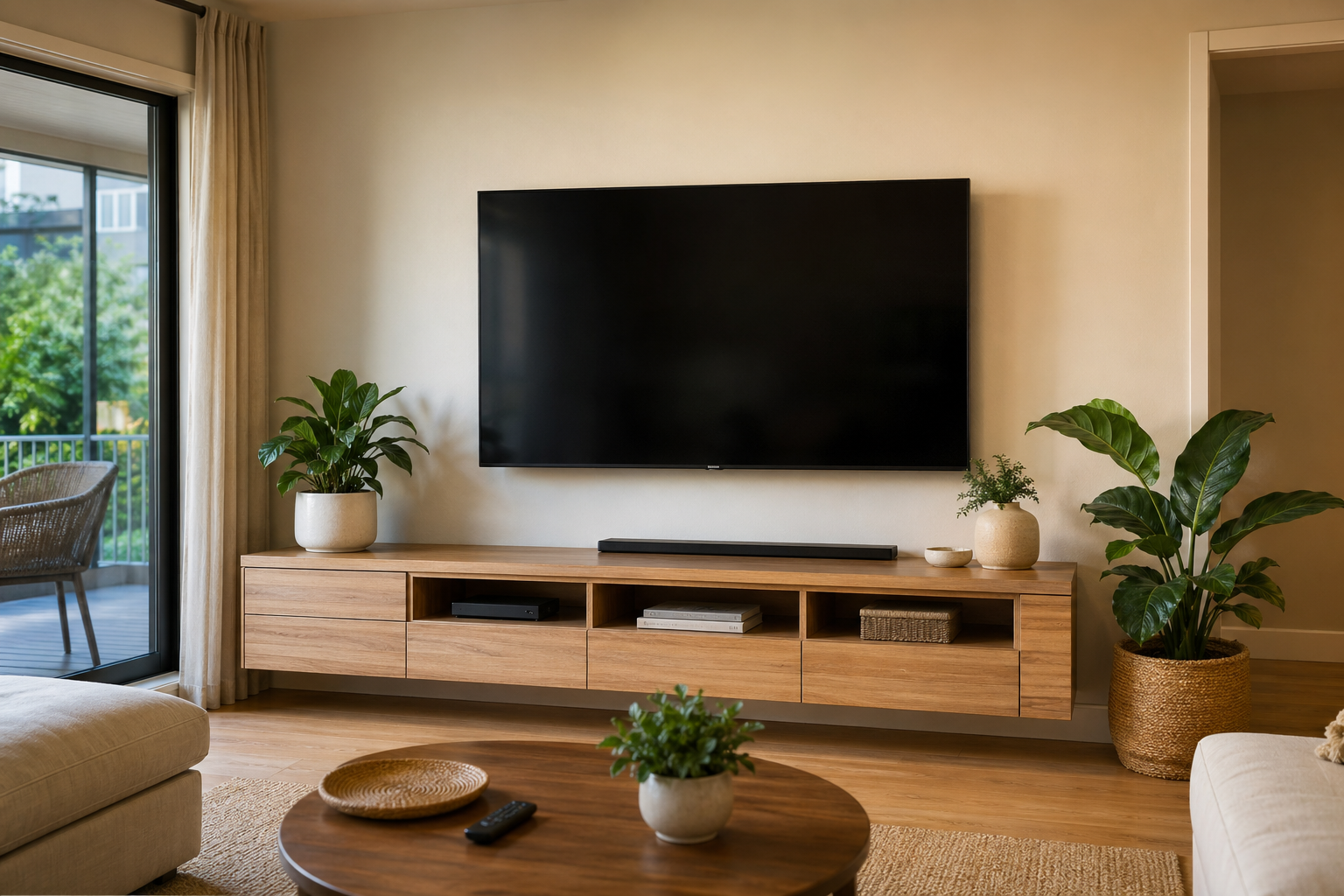
How to Extend Your TV's Lifespan: Practical Tips
A quality television in Canada typically retails between $400 and $3,000 or more, depending on size and technology. Getting the most from that investment is simply good financial sense. While modern televisions are engineered to last 7–10 years under normal conditions, the actual lifespan varies considerably depending on how the set is used, where it is positioned, and how it is maintained.
The following guidance is based on the most common causes of premature television failure observed by repair technicians across Canada. Most of the measures are straightforward to implement and cost nothing beyond some attention to how the set is used.
1. Manage Heat Effectively
Heat is the primary enemy of consumer electronics longevity, and televisions are no exception. Modern flat-panel TVs generate meaningful amounts of heat during operation, particularly in the power supply and processing components. When this heat cannot escape effectively, component degradation accelerates and premature failures become more likely.
What this means in practice
- Do not install a television in a fully enclosed cabinet or entertainment unit without adequate ventilation. Built-in cabinetry with closed backs and sides traps heat; if your installation requires this, ensure there is at least 10 cm of clearance above and on each side.
- Do not place other heat-generating electronics directly on top of or immediately beside the television.
- Keep the ventilation slots on the rear and sides of the television free from dust accumulation. Gently clean them twice a year using a soft brush or low-suction vacuum.
- Avoid positioning the television in direct sunlight, which both adds external heat load and accelerates panel degradation over time.
2. Use a Surge Protector
Canada's residential electrical system is not immune to voltage fluctuations. Summer storms, municipal infrastructure work, and grid events can produce transient voltage spikes that cause disproportionate damage to sensitive electronics. A quality surge protector placed between your television (and ideally all connected components) and the wall outlet provides meaningful protection at relatively low cost.
Look for a surge protector with a joule rating of at least 1,000 joules and a clamping voltage under 400 volts. Units with indicator lights that show whether the surge protection is still active are preferable — surge protectors degrade over time and may stop providing protection while still allowing power to pass through.
Note for Canadians in Older Homes
Homes built before the 1990s may have electrical systems that are more susceptible to voltage fluctuations, particularly if the panel has not been updated. If you notice lights flickering occasionally or appliances restarting without apparent cause, consider having your electrical system assessed alongside investing in a quality surge protector for your electronics.
3. Calibrate Brightness and Contrast Settings
Television manufacturers configure their sets to display at maximum brightness in the “Vivid” or “Dynamic” mode by default. This mode is optimized for showroom floors where the television needs to compete with direct lighting and other nearby displays. At home, this setting contributes to accelerated backlight wear in LED televisions and faster organic layer degradation in OLED panels.
Switching to a “Cinema,” “Movie,” or “Filmmaker Mode” setting — available on most current televisions — reduces brightness to a level calibrated for viewing in a typical home environment. This setting is also more accurate for colour reproduction and is noticeably easier on the eyes during extended viewing sessions.
4. Address OLED Burn-In Risk Proactively
OLED televisions are not immune to image retention from prolonged static content. Channel logos, news tickers, sports scoreboards, and gaming HUDs displayed continuously over months of regular viewing can cause localized organic layer degradation. This manifests as faint permanent ghosting in areas of the screen where static elements were displayed.
Preventive steps include enabling the automatic pixel refresher feature available on most current OLED televisions (typically runs automatically after extended use), using the “Logo Luminance Adjustment” feature where available, varying viewing content, and reducing logo/HUD brightness in game settings where possible.
5. Power the Television Off When Not in Use
Standby mode consumes minimal power and is generally acceptable, but leaving a television displaying a static screen — particularly a news channel, a paused video, or a video game menu — for extended periods accelerates both component wear and, in the case of OLED, panel degradation. The habit of turning the television off completely when leaving a room, rather than leaving a paused image on screen, is among the simplest and most effective lifespan-preservation measures.
6. Keep Software Updated
Smart television software updates address security vulnerabilities, fix bugs that can cause system instability, and occasionally improve power management. Keeping your television's operating system current reduces the risk of software-driven crashes and processing issues that can stress hardware components. Most modern televisions offer automatic software updates; confirm this setting is enabled in your television's system preferences.
7. Handle Cleaning Correctly
The coatings on modern television panels, particularly OLED and premium LED screens, are sensitive to abrasion and certain cleaning chemicals. Using household glass cleaner, paper towels, or rough cloths on the screen can permanently scratch the surface coating or damage the anti-reflective layer.
- Use a dry or very slightly damp microfibre cloth for the screen surface only. Apply no pressure.
- Never spray any liquid directly onto the screen. Apply a small amount of distilled water to the cloth, not to the screen.
- For the television body and ports, a dry microfibre cloth is sufficient for dust removal. A mild isopropyl alcohol solution (70% or less) can be applied to the cloth for the casing only, avoiding the screen.
Your Lifespan-Preservation Checklist
- Ensure adequate ventilation (10+ cm clearance on all sides)
- Install a quality surge protector on all connected power connections
- Switch from Vivid/Dynamic to Cinema/Movie or Filmmaker Mode
- Enable automatic pixel refresher (OLED televisions)
- Power off completely when leaving a static image on screen
- Enable automatic software updates in television settings
- Clean with a microfibre cloth only, no household cleaners on screen
- Vacuum ventilation slots gently twice a year
Already Experiencing a Problem?
If your television is displaying faults despite good maintenance, a diagnostic from a qualified local technician is the most efficient next step. Browse our directory of verified repair services across Canada.
Find a Repair Service Near You